Fall / Winter Webinar Series

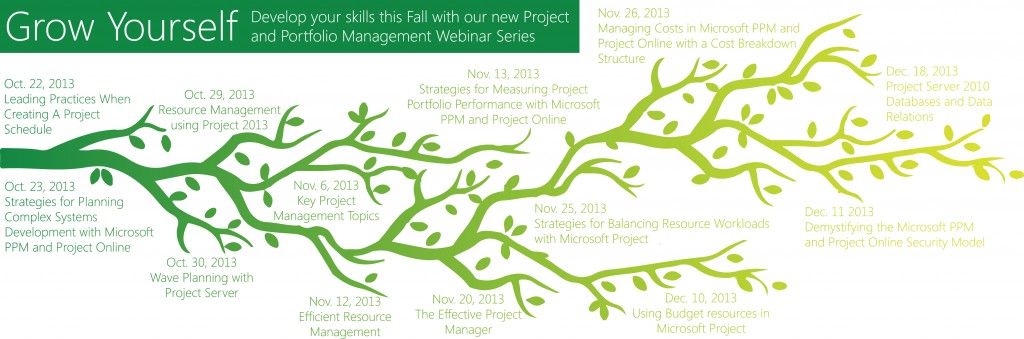
EPMA offers free, live webinars throughout the year aimed at helping Project Management Professionals in their careers. This is a great opportunity to learn something new as well as to network with other professionals across the country and around the world. We hope that you will join us online for our next event. This October, Read more about Fall / Winter Webinar Series[…]
Capturing Performance Counters for SharePoint and Project Server into the Logging Database (Part 2)

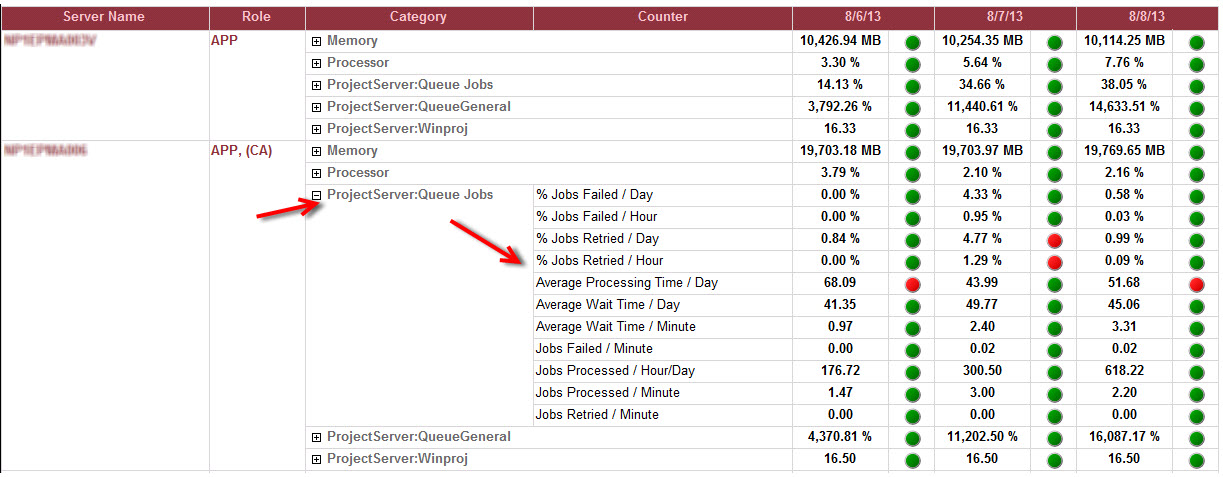
Last Blog, I have showed you how to setup the performance counters for Project Server and SharePoint to start recording into the SharePoint Logging database. Today, I will walk you through how to query the data in the Logging DB to extract the performance counters and their values. The new Performance Counters we created last Read more about Capturing Performance Counters for SharePoint and Project Server into the Logging Database (Part 2)[…]

What Does ‘Load Summary Resource Assignments’ in Microsoft Project do?

For those of you out there that connect Microsoft Project to Project Server/Project Online/PPM, you have probably come across this but like many others ignored it on several occasions. When you first launch Microsoft Project, you are prompted to select which ‘Profile’ or ‘Account’ you would like to connect to. You will also notice there Read more about What Does ‘Load Summary Resource Assignments’ in Microsoft Project do?[…]

How to View When a Task Was Added to a Microsoft Project Schedule

The built-in ‘Created’ field can quickly display when (date and time) a task was originally added to a Microsoft Project Schedule. Surprisingly, this hidden gem is not exposed in any built-in Microsoft Project tables, but you can easily add it to any Task table to see when each task was added to the project. This Read more about How to View When a Task Was Added to a Microsoft Project Schedule[…]

Error: Project was unable to establish a connection with

Today, I want to give you a tip on a common error you may encounter when acting as a delegate. Acting as a delegate is a useful tool for Project Manager & Resource Managers but can cause some confusion for those who don’t use the feature very often. I’ll confess I chose this topic is Read more about Error: Project was unable to establish a connection with[…]

Microsoft Project Server 2013 – Delegated Timesheet

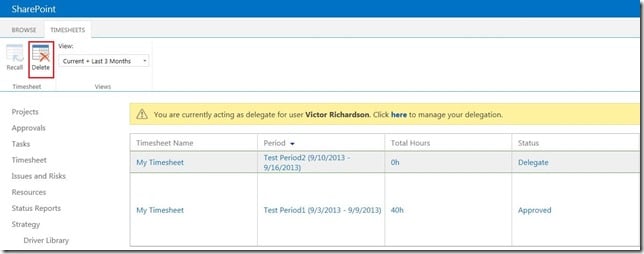
Have you ever wondered what it’s like to walk in someone else’s shoes? Microsoft introduced a new feature to Project Server 2010, called “Delegate” which lets you experience the proverbial “walking in someone else’s shoe”, and enables you to see what they see, feel what they feel…maybe I’m going too far with this! Jessica Carlisle, Read more about Microsoft Project Server 2013 – Delegated Timesheet[…]

Winter is coming… with more Project…

To borrow a line from the “Game of Thrones”, Winter is coming… However, in this context with a lot of MS Project Knowledge going around.. Just wanted to quickly list all my upcoming speaking engagements. If you get a chance, would love to see/meet you all at one of these presentations. Dates Event/Organization Topic Sep Read more about Winter is coming… with more Project…[…]

Team Planner fixed in Project 2013

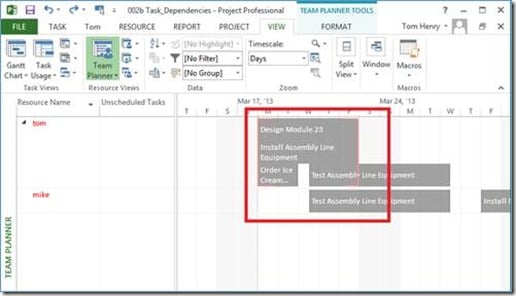
The Team Planner view was introduced in Microsoft Project Professional 2010, (it’s not available in Project Standard). This view allows a user to visualize assignments within a project schedule and is particularly useful for visualizing overallocations within your project team. Last week while teaching our ‘EPMA 100’ – Managing Projects with Microsoft Project 2013 course, Read more about Team Planner fixed in Project 2013[…]