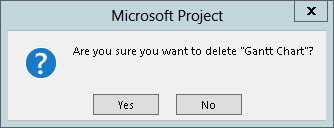
Microsoft Project Trivia: Manually Recalculate a Project

A default setting in Microsoft Project causes the software to automatically recalculate the project whenever the user takes an action that would cause any type of schedule changes. You can see this option at the bottom of the Schedule page in the Project Options dialog in Microsoft Project 2010 or 2013, as shown in the Read more about Microsoft Project Trivia: Manually Recalculate a Project[…]
Disable Change Highlighting in Microsoft Project 2010 and 2013

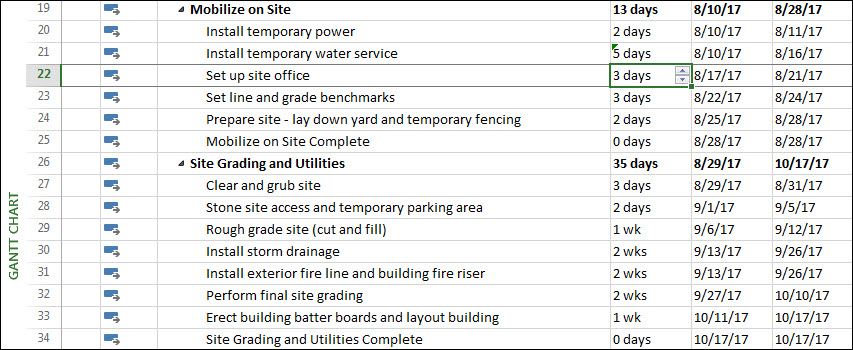
Background One of the powerful new features introduced in Microsoft Project 2007, and continued in the 2010 and 2013 versions, is known as Change Highlighting. Whenever you make a schedule change to a project, such as changing the Duration value for a task, Microsoft Project applies light blue cell background formatting to highlight the Duration, Read more about Disable Change Highlighting in Microsoft Project 2010 and 2013[…]

Using AutoFilter in Microsoft Project

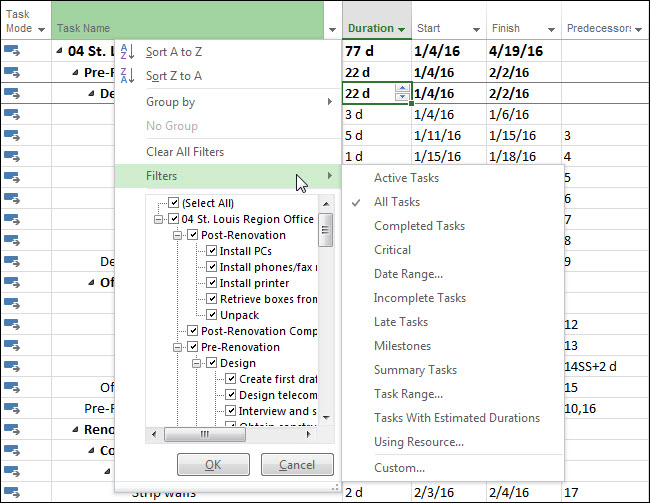
In my previous blog post, I showed you how to easily determine if you have AutoFilter applied on one or more columns of data, even if those columns are not displayed in the current view. I learned this “nugget” from a class I taught recently for some new team members at EPMA. During this class, Read more about Using AutoFilter in Microsoft Project[…]

Microsoft Project Quick Tip: Determine If AutoFilter is Applied

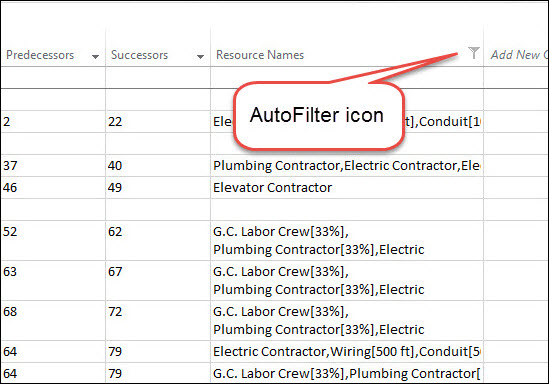
I learned something new about Microsoft Project 2013 when I was conducting a training class recently for two of our new team members at EPMA. During class, we applied AutoFilter on the Resource Names column so that we could filter for the tasks assigned to two resources. I then asked my students how Microsoft Project Read more about Microsoft Project Quick Tip: Determine If AutoFilter is Applied[…]

Level Cross-Project Resource Overallocations Across Multiple Projects

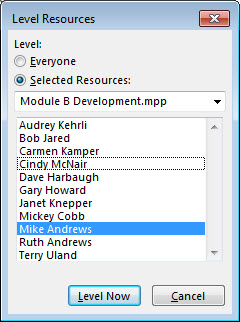
Background Information During a Microsoft Project 2013 Essentials training class with one of our clients this week, one of my wonderful students asked a question that is worthy of a blog post. He asked, “How can I level resource overallocations across multiple projects when the PMO has changed the priority of my projects?” This is Read more about Level Cross-Project Resource Overallocations Across Multiple Projects[…]

Saving a Customized Table

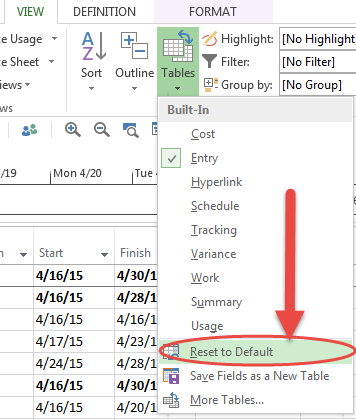
Finding ways to make life easier is always a plus, even if only something small. Working in MS Project 2013, I strive to find ways to make things easier and more automated. One time saving tool that I love to employ is saving customized tables. Today, I will demonstrate how to customize an existing table and Read more about Saving a Customized Table[…]

Microsoft Project Quick Tip: Creating a New Summary Task

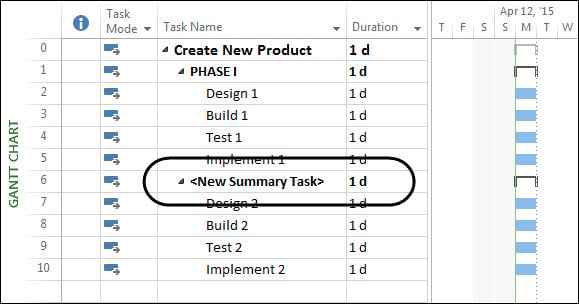
In Microsoft Project 2010 and 2013, there are actually two different methods for creating a summary task. The first method is the one used in all previous versions of the software, while the second method is a new feature introduced in Microsoft Project 2010. To create a summary task using the first method, complete the Read more about Microsoft Project Quick Tip: Creating a New Summary Task[…]

Understanding How Local Views Can Pollute the Enterprise Global

Background I answered a question recently in the Project Online General Questions and Answers user forum. The question is one that I have answered many times over my years as a Microsoft Project MVP. The question is usually asked by a project manager who suddenly starts seeing the warning dialog shown in the following figure Read more about Understanding How Local Views Can Pollute the Enterprise Global[…]